Opening the application and selecting the overlay type
1. Open the “Advanced overlay editor” using the Race Technology program launcher shortcut, under “Other software” category.
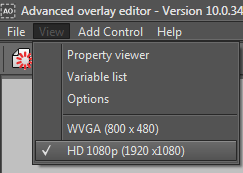
2. Change the Resolution to “HD 1080p” to start design a video overlay by using the menu command “View -> HD 1080p (1920x1080)”
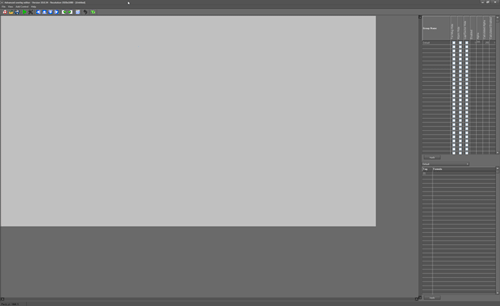
3. When you select the “HD 1080p (1920x1080)” option, the design area will be resized to match with the selected resolution.
Note: Following screenshot shows Advanced overlay editor opened in a monitor with a 2560 x 1600 resolution. In this resolution, entire design area is visible without horizontal or vertical scroll bars around it.
 My basket |
Checkout |
Add to email list
My basket |
Checkout |
Add to email list




 Edit
Edit History
 Print
Print Download (.HTML)
 PDF
PDF